THANK YOU

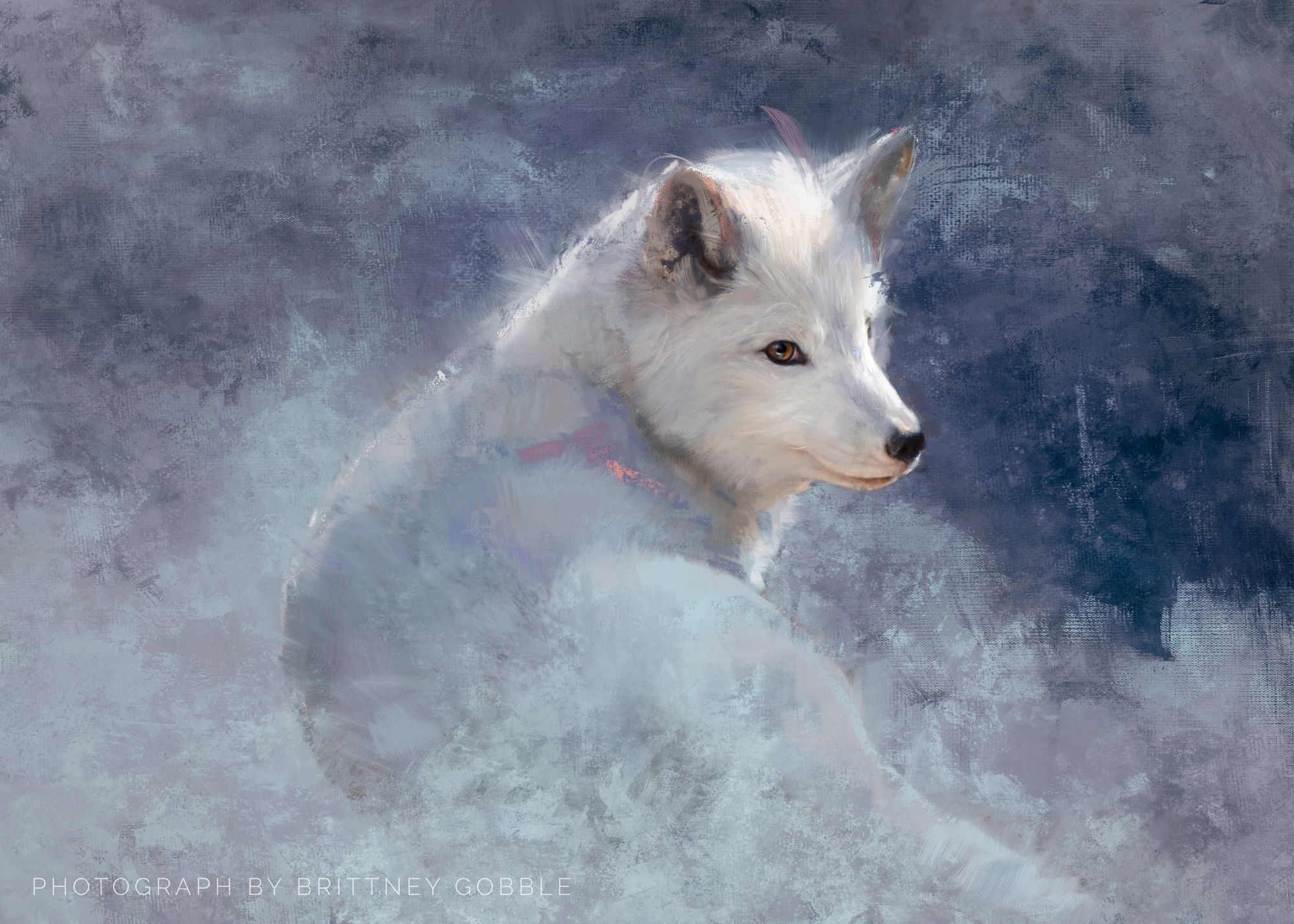
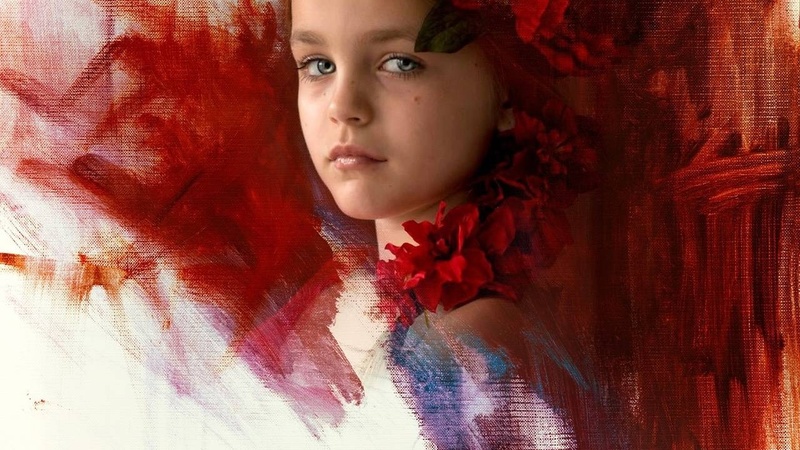
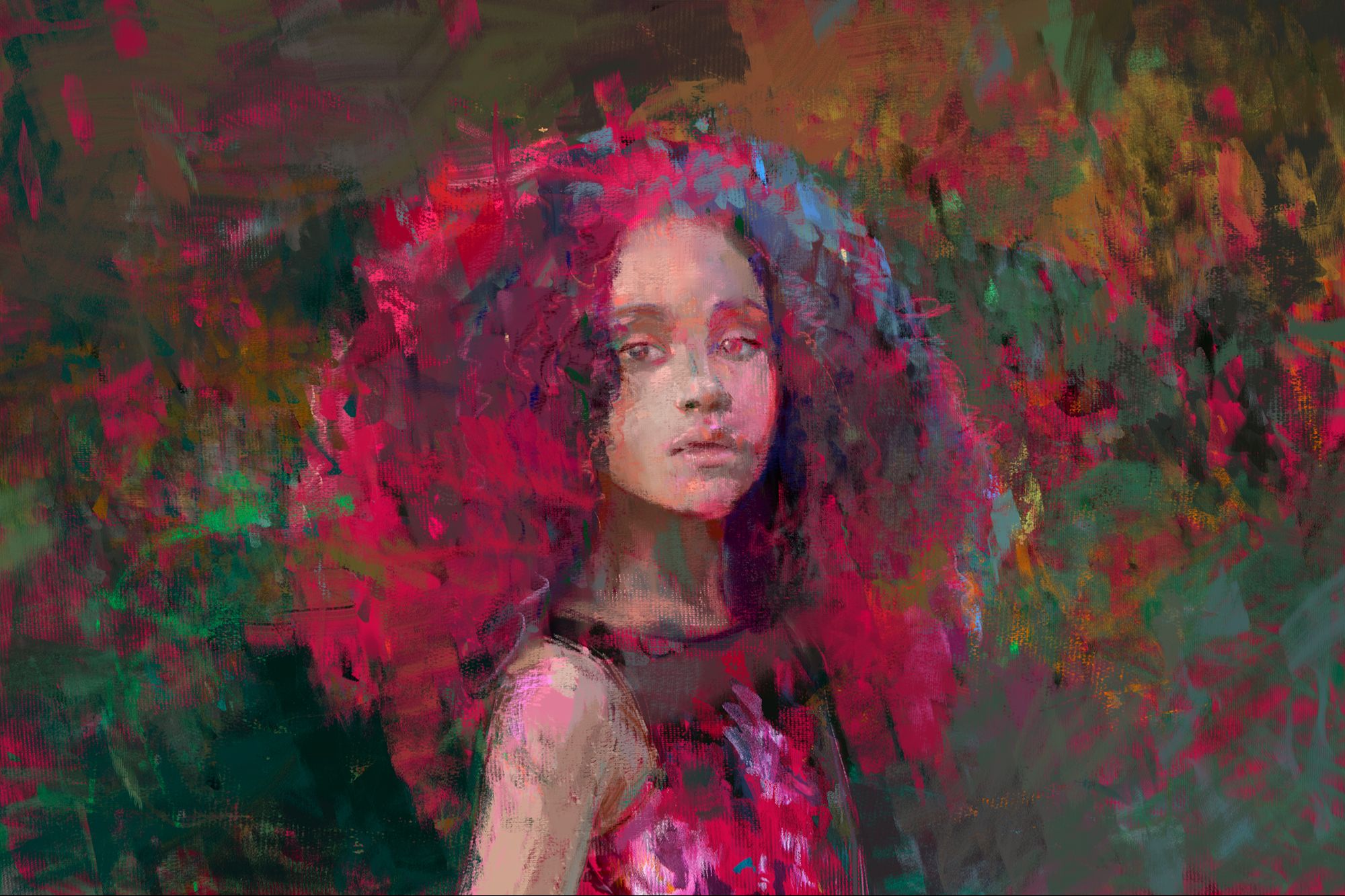
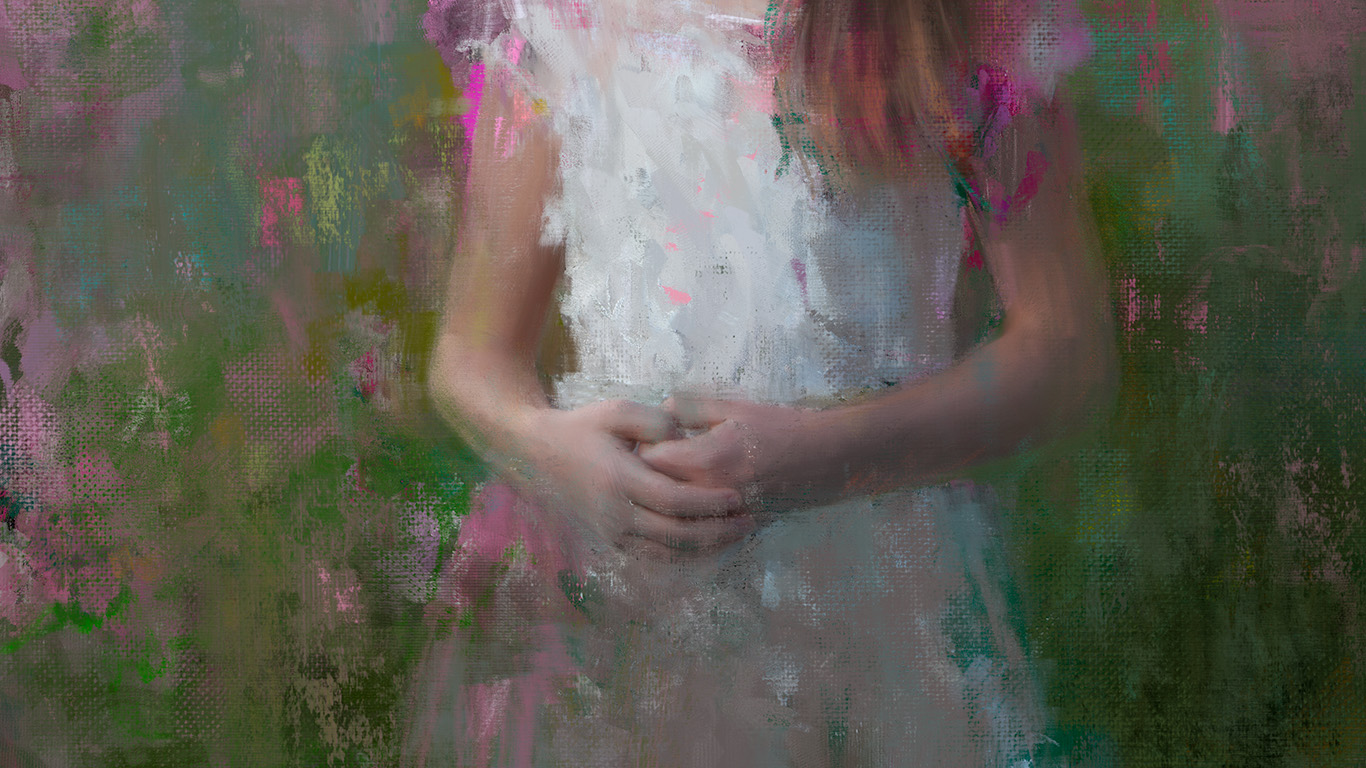
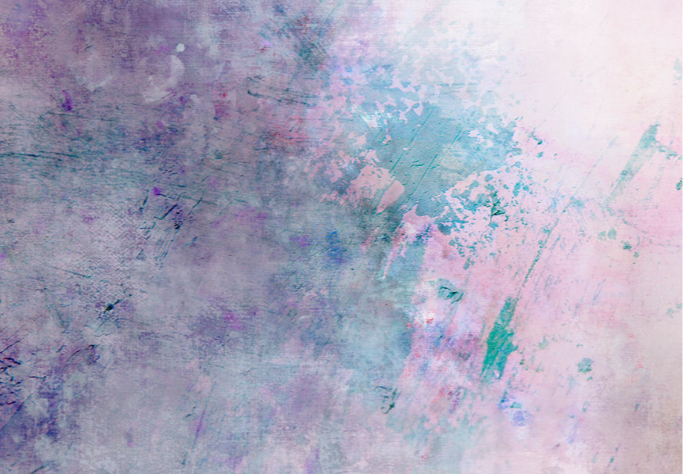
Hi, I’m Heather. Thank you for inviting a little piece of my studio into yours. I’ve been painting and teaching photographers for decades, and these surfaces begin with actual marks, paint, texture and experimentation—not generated imagery. Below I’ve left you a few ideas for using them in ways you may not have considered. Play with them. Break the rules. Make them yours. Thank you for supporting our little family operation!
Grab Your Download
Your download is in the button below. While you’re here, I’ve gathered a few things below to help you get more from the backgrounds and textures you just received.
Download Your Backgrounds HEREMade by hand. Shared from my studio to yours.
START HERE
Get set up with layering suggestions.
Get Set Up
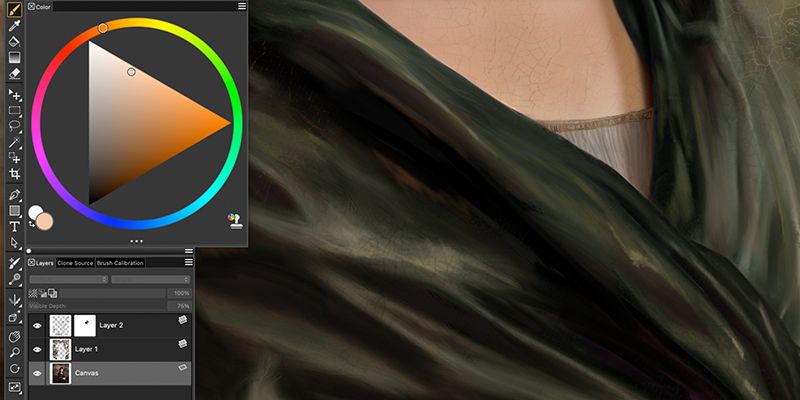
To get the most out of your textures, it is highly recommend to use a pressure sensitive stylus such as the Wacom (I use the medium) Intuos Pro tablet and pen. I personally enjoy using Adobe Photoshop to edit photographs, and Corel Painter 2023 to digitally paint them (should they go that far). You can try a free 30 day trial of Corel Painter here (LINK).
You will notice the DONWLOAD button above upon submitting your name and email previous to this screen. Look for the Donna Eaton 2026 GIFT UPLOAD.zip in your downloads and uncompress it. These jpegs are in sRGB color profile and have enough resolution for large wall portraits (up to 6000 pixels on the long edge).
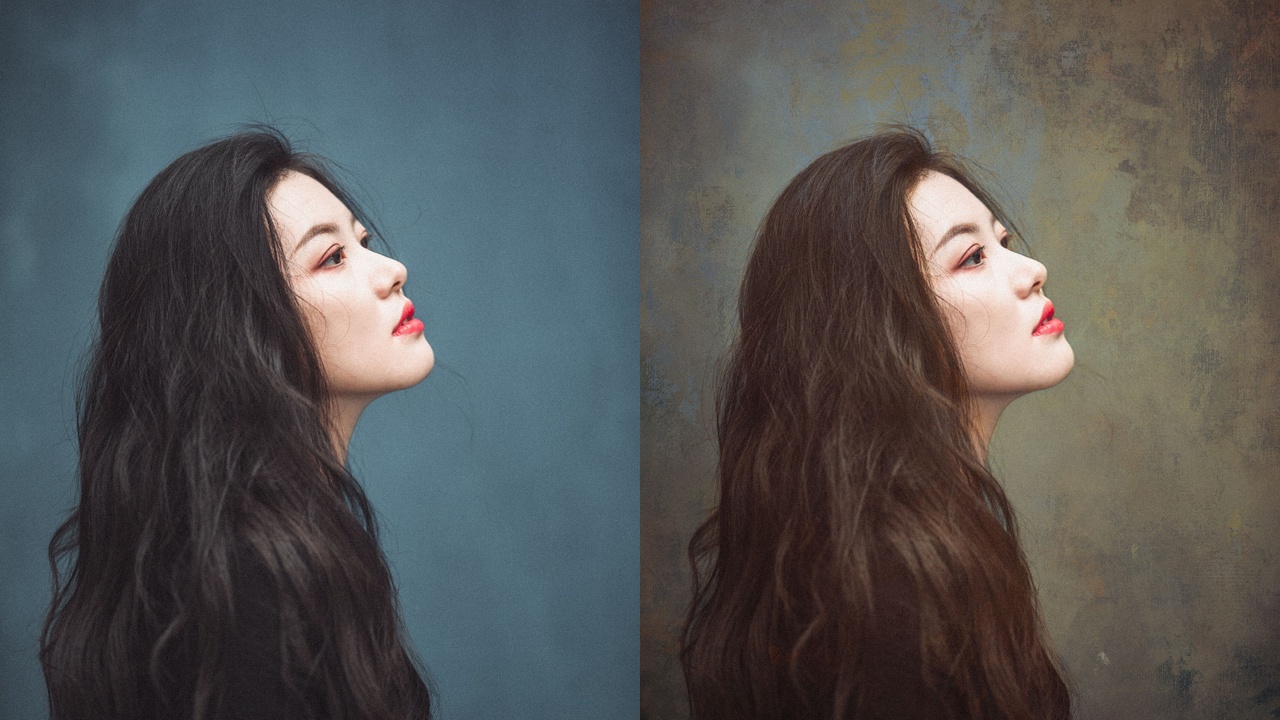
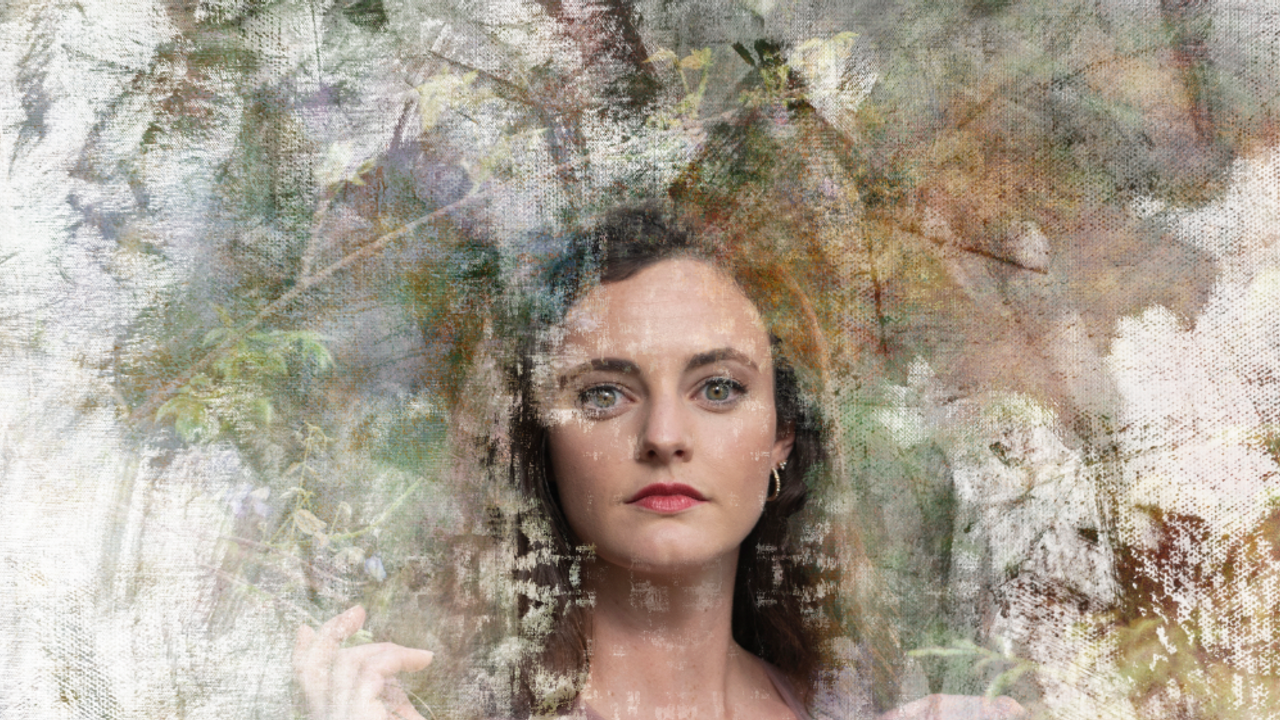
You'll want to open your portrait and your background in your choice of editing software. I recommend starting with the photograph as the under-layer and changing the layer mode of the background as it sits above the portrait. Try multiply, overlay, or soft light to start. Layer masking is immensely helpful as is playing with BLEND IF. If you need further controls over the texture of the background, you can add bokeh by adding a blur of choice (such as Gaussian blur in Photoshop), and even layering two textures. You can also fine tune the color family and values with the adjustments sliders to better suit your photograph. I talk about this in the blog posts.
TRY THIS
If you are new to editing with textures, welcome to the rabbit hole. You'll want to grab a beverage of choice and an entire box of cookies. This world is immense, and every texture compounds your decisions but the possibilities are creative FUEL! Texture is that finishing touch when properly addet, extends viewer time; that random element that brings it all together. To get you started I've assembled some articles here.

KEEP EXPLORING
More From My Studio
Explore my painted background collections, textures, brushes and education.
Use coupon CODE CHICAGO30 to save 30% on most backgrounds and collections through October 1, 2026 at checkout (even those that are on sale).